Menu logo

Power BI Course

The Power BI course trains learners in data visualization, dashboard creation, DAX functions, and data modeling techniques. Trainees work with real datasets to build interactive reports and derive actionable insights. Cronus Consultants emphasizes hands-on learning with business-driven scenarios that help the trainees understand decision-making through analytics. By the end of this course, they will have gained the ability to transform complex data into meaningful visual stories, becoming a pro in data-driven organizations.

content img

Why enroll in Cronus Consultants to learn Power BI?

At Cronus Consultants, our trainers train learners in Power BI, focusing on data modeling, DAX functions, and interactive dashboard creation. Through real-world datasets and business scenarios, students start developing skills in data transformation, visualization, and reporting. The course prepares them for data-driven decision-making roles in modern enterprises.

Curriculum Overview

Download Syllabus
  • Concepts: What is Business Intelligence (BI)? Data Analytics Lifecycle.
  • Power BI Ecosystem: Desktop, Service, Mobile, and Report Server.
  • Installation & Interface: Power BI Desktop tour, GUI options, and settings.
  • Workflow: Data sourcing, transformation, modeling, and publishing.
  • Data Connectors: Connecting to Excel, CSV, SQL databases, Web APIs, and Folders.
  • Query Editor: Cleaning, shaping, and transforming data.
  • Transformations: Splitting columns, changing data types, replacing values, merging, and appending queries.
  • Advanced Editor: Working with M Code, custom column creation, and error handling.
  • Structuring: Pivoting, Unpivoting, and grouping data.
  • Modeling Concepts: Star Schema vs. Snowflake Schema.
  • Relationships: Managing relationships, cardinality (one-to-one, one-to-many), and cross-filter direction.
  • Data Prep: Creating calculated columns and hierarchies.
  • Best Practices: Star schema optimization and performance tuning.
  • Introduction: DAX syntax, calculated columns vs. measures.
  • Functions: Aggregation (SUM, AVG), logical (IF, SWITCH), text, and date functions.
  • Context: Row context vs. Filter context.
  • Advanced DAX: CALCULATE function, ALL/FILTER functions.
  • Time Intelligence: Year-to-date (YTD), Quarter-to-date (QTD), Month-to-date (MTD), and SamePeriodLastYear.
  • Report View: Creating and formatting charts, tables, and matrices.
  • Visual Types: Bar/column charts, line charts, pie charts, maps, and KPI cards.
  • Interactivity: Slicers, bookmarks, drill-through, and tooltips.
  • Formatting: Conditional formatting, themes, and layouts.
  • Sharing: Publishing reports, managing workspaces, and sharing dashboards.
  • Dashboards: Creating, sharing, and setting alerts in Power BI Service.
  • Security: Implementing Row-Level Security (RLS).
  • Refresh: Scheduling data refreshes and using gateways.
  • End-to-End Projects: Creating a complete dashboard (e.g., Sales, Finance, HR) using raw data.
  • Portfolio Building: Saving and presenting projects to showcase skills.

Key Features

logo

Data visualization

With insightful charts and visuals, learn how to create interactive dashboards.

logo

Business intelligence tools

Leverage Power BI for real-time reporting and decision-making.

logo

Data modeling

Learn to design relationships and optimize datasets for accurate analytics.

logo

DAX functions mastery

Perform advanced calculations and analysis by using DAX formulas.

Who can pursue this course?

BBA B.A. B.Sc (Computer Science) M.Sc (Computer Science) B.TECH M.TECH Commerce MBA
Posted on Google Google
Nishant Singh profile picture
Nishant Singh
Google star 1Google star 2Google star 3Google star 4Google star 5Trustindex verifies that the original source of the review is Google.
It was wonderful experience in my first industrial visit. I got to learn a lot about how things work in industry.
Posted on Google Google
Bikash paul profile picture
Bikash paul
Google star 1Google star 2Google star 3Google star 4Google star 5Trustindex verifies that the original source of the review is Google.
The experience was good, learned a lot.
Posted on Google Google
Ashish Kumar profile picture
Ashish Kumar
Google star 1Google star 2Google star 3Google star 4Google star 5Trustindex verifies that the original source of the review is Google.
It was a good experience of my first industrial training and heard about all of new things
Posted on Google Google
Chanchal Didwania profile picture
Chanchal Didwania
Google star 1Google star 2Google star 3Google star 4Google star 5Trustindex verifies that the original source of the review is Google.
Experienced a student seminar . Learnt loads and had an industry insight . Thanks to the mentors and professionals for giving us such a good seminar

BASIC

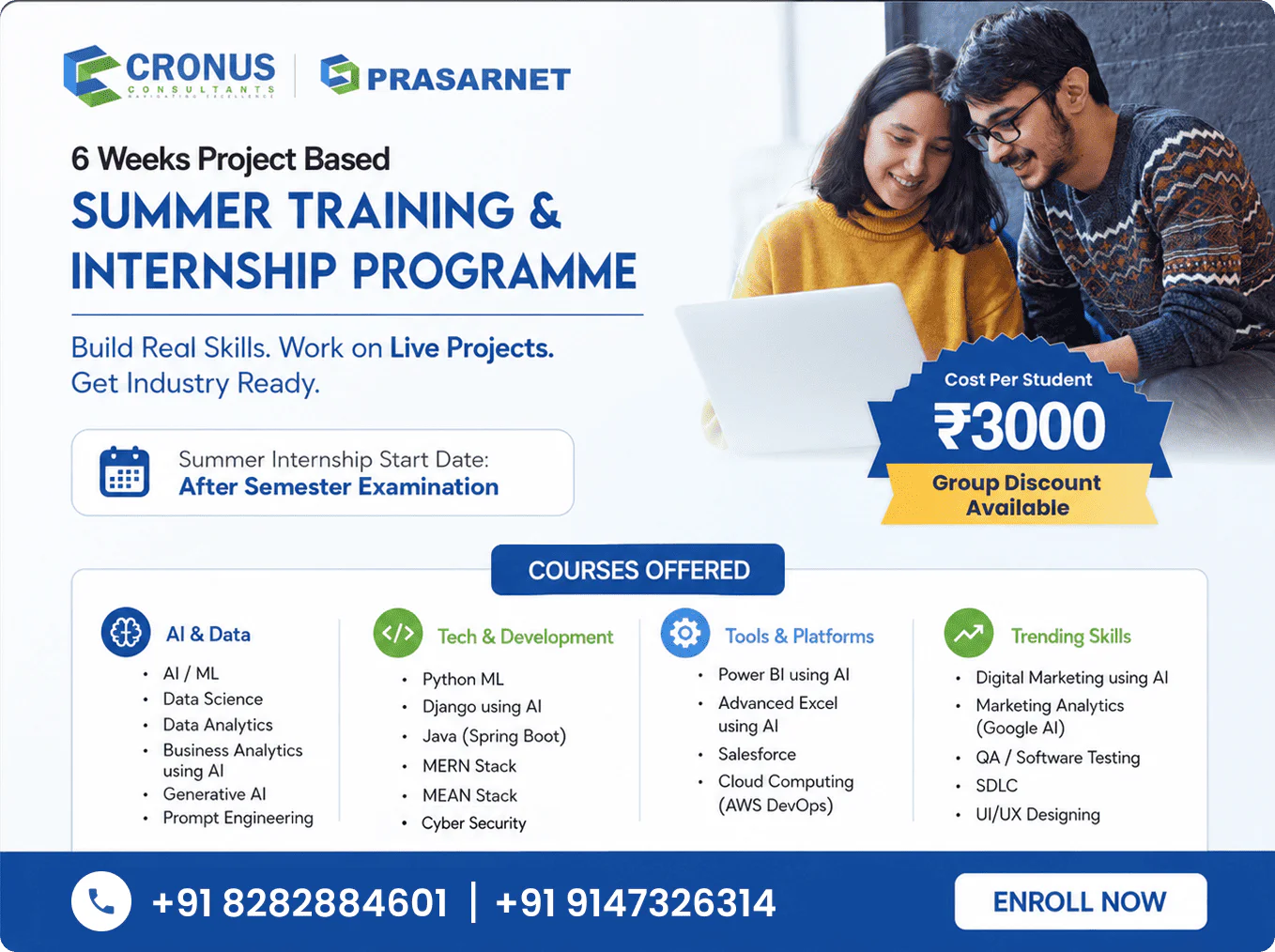
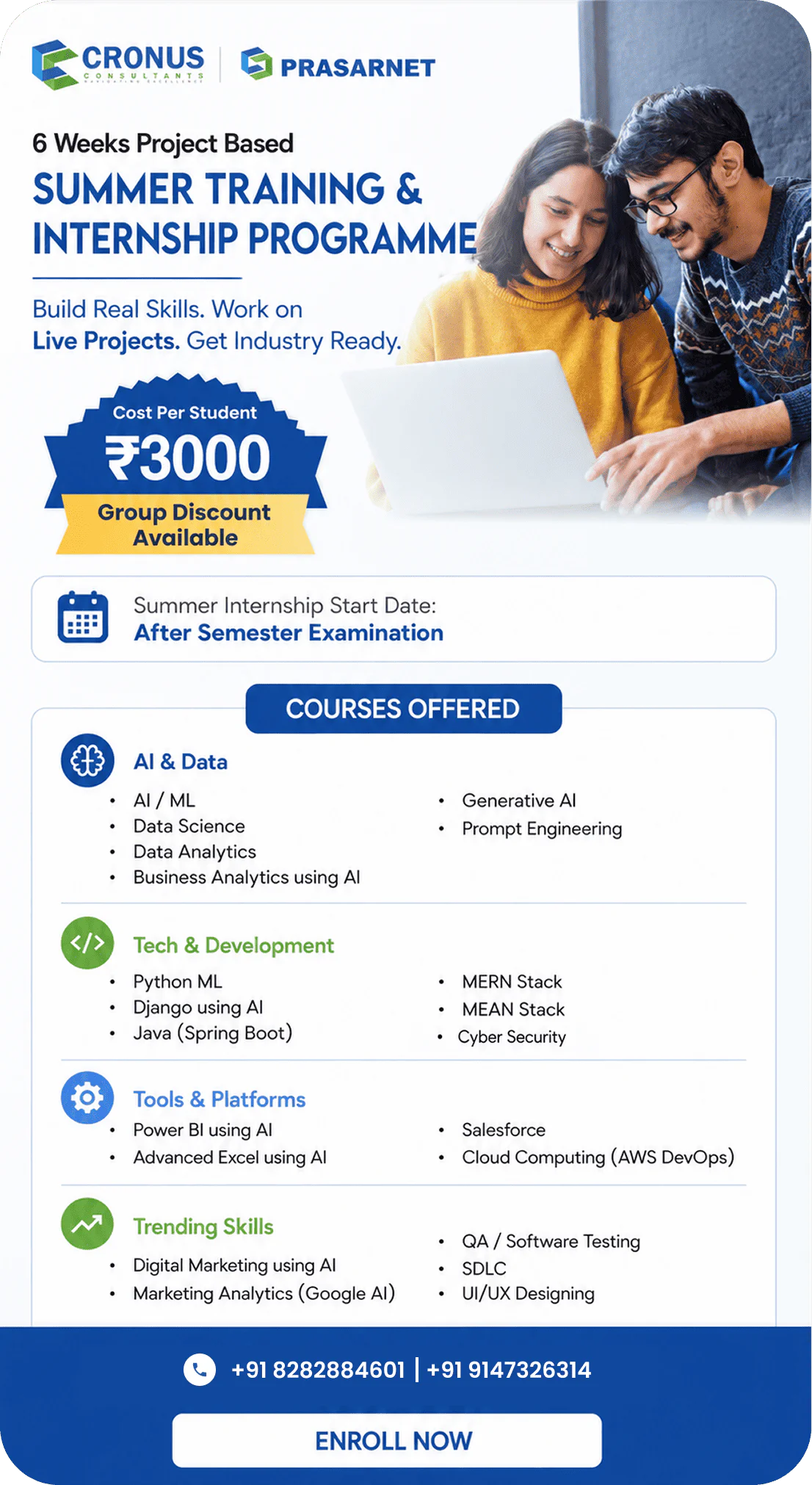
₹ 3,000 /one-time

Duration: 6 weeks

+91 82828 84601 +91 91473 26314
  • ✔ Industry-Focused Training
  • ✔ Career-Oriented Curriculum
  • ✔ Expert Mentor Guidance
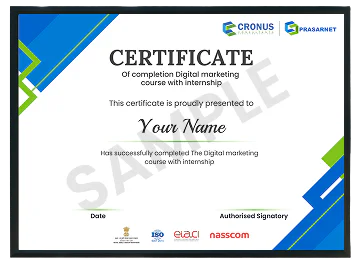
  • ✔ Certification on Completion

Certification & career support

icon

Skill certification

Earn a certificate and validate the practical skills you have learned.

icon

Professional edge

Add your earned certification to your resume and stand out to employers.

icon

Career advancement

Show your certification that highlights your skills, achievements, and job-readiness.
img
img
Have questions?

Ready to take the next step?

+91 82828 84601 +91 91473 26314